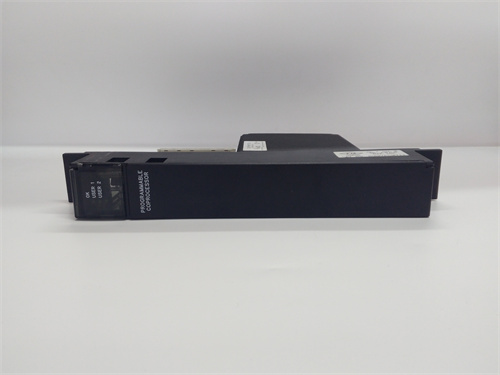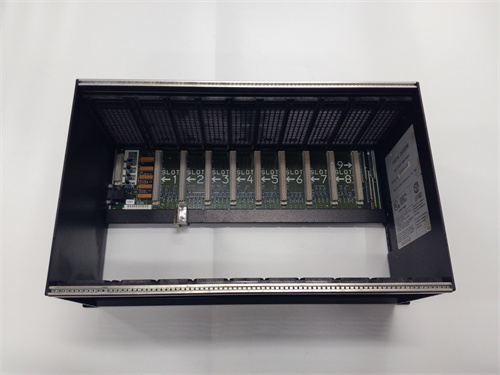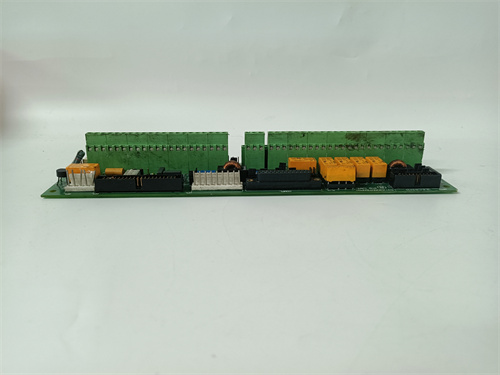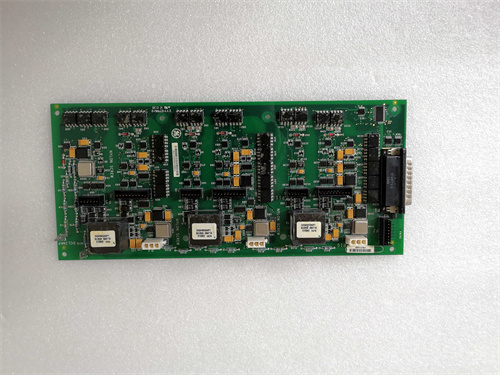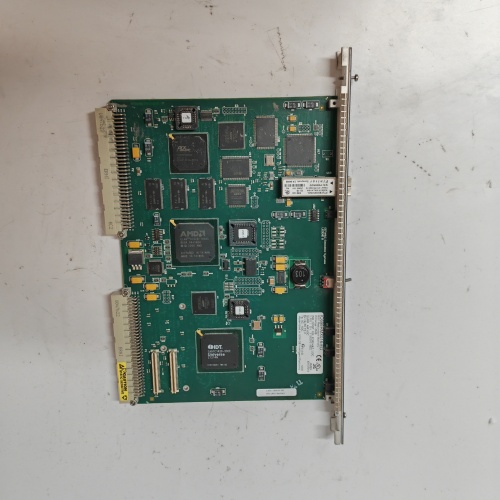
GE IC698PSA100E | RX7i Power Supply 120/240V AC 100W
$ 96.54
Description Key Technical Specifications Parameter Specification Part Number IC698PSA100E Product Type Power Supply Module Series RX7i / PACSystems Input Voltage 85-264V AC (universal, auto-ranging) Input Frequency 47-63 Hz Output Power 100 Watts maximum Output Voltages 5V DC, 24V DC, 12V DC (aux) to backplane Efficiency >80% typical Hold-up Time 20 ms minimum Inrush Current <50A peak @ 264V AC Protection Overcurrent, overvoltage, overtemperature Hot Swap Supported (with redundant configuration) Mounting RX7i rack (leftmost slot) Indicators Power OK, fault LED Cooling Internal fan (temperature controlled) Certifications CE, UL, CSA Condition New Surplus (Original Packaging) Product Introduction The GE IC698PSA100E is the primary AC power supply for the RX7i PACSystems rack. It mounts in the dedicated power supply slot (left side of the rack) and converts 120/240V AC line power to the regulated DC voltages required by the CPU, communications modules, and I/O cards. This module provides 100W total capacity, sufficient for most medium-density RX7i configurations. The IC698PSA100E features universal AC input with auto-ranging, simplifying global installation. An internal fan provides active cooling, and the module supports hot-swap when installed in redundant power supply configurations. This unit is new surplus, factory-sealed in original GE packaging. RX7i components remain widely deployed; contact us for current stock and firm pricing. Frequently Asked Questions (FAQ) Q: What’s the difference between IC698PSA100E and IC698PSA100? A: The IC698PSA100E includes enhanced EMI filtering and updated component revisions compared to the older IC698PSA100. The “E” suffix typically indicates: Improved EMC compliance (meets stricter emissions standards) Updated part sourcing (some original components went EOL) Better transient handling Physically and electrically, they’re interchangeable. The IC698PSA100E is the preferred replacement for any earlier IC698PSA100 version. If you have an old -100 in your rack, the -E drops right in. Q: Can the IC698PSA100E power a fully loaded RX7i rack? A: It depends on your module count. The IC698PSA100E delivers 100W total. You must calculate your rack’s power budget: CPU: 15-25W typical (e.g., IC698CPE020 draws ~20W) Each I/O module: 2-10W depending on type Communications modules: 5-15W Add it up. If you exceed 80W, consider adding a second in redundant configuration (load sharing) or upgrading to the higher-power IC698PSA350E (350W). In one plant, we maxed out at 92W with 12 modules—the supply ran hot. We added a second for redundancy and load sharing. Problem solved. Q: Does the support redundant power supply operation? A: Yes. The RX7i rack accepts two power supplies in adjacent slots for redundancy. With two modules installed: Both power the backplane simultaneously (load sharing) If one fails, the other carries full load instantly Hot-swap the failed unit without rack shutdown Redundancy requires no special configuration—just install both supplies and connect AC to both. For critical processes, this is non-negotiable. Single-supply racks are asking for unplanned downtime. Q: What do the front panel LEDs indicate? A: The GE IC698PSA100E has two status LEDs: PWR OK (green): Supply is on, output voltages within spec FAULT (red): Output out of range, over temperature, fan failure, or internal fault If you see green steady, supply is happy. If red appears, check: Input voltage present? Fan running? (blocked fan causes overtemp) Rack overloaded? (exceeded 100W) If input good, fan running, and load reasonable, the likely has internal failure. Swap it out. Q: Can I replace the while the rack is running? A: Yes, but only with redundant supplies installed. If you have a single , pulling it kills the entire rack—CPU, I/O, everything. With two supplies, you can remove one live; the other carries the load. Procedure: Verify second supply is powered and healthy (green LED) Unlock and remove faulty supply Insert new Verify its green LED comes on Done—rack never blinks Without redundancy, schedule a shutdown. Don’t risk crashing a running process. Q: What’s the fan noise level on this power supply? A: The has a temperature-controlled fan. At idle/cool, it’s barely audible. At full load in warm cabinets, it spins up and sounds like a typical industrial power supply—noticeable but not deafening. The fan is the most common failure point. After years of operation, bearings wear, and the fan gets noisy or stops. If you hear grinding or silence when it should be running, replace the proactively. A dead fan leads to overtemp and eventual shutdown. Q: What’s the typical failure mode for these power supplies? A: In my experience: Fan failure (#1 by far). The fan bearings wear out after 5-7 years continuous operation. Capacitor aging—electrolytics dry out, causing ripple, intermittent resets, or failure to start. Input surge damage—lightning or switching transients fry the input rectifier or filter. Overload failure—racks expanded beyond 100W without adding second supply. The is reliable, but it’s a switching power supply in an industrial cabinet. Heat kills electronics. In hot environments (southern US, Middle East), we replace these every 8-10 years proactively. In cool control rooms, they run 15 years. Q: Can I use this supply with 240V AC only, or does it need 120V? A: Universal input: 85-264V AC, 47-63 Hz. The GE IC698PSA100E auto-ranges—no jumpers, no switches. Connect 120V, it works. Connect 240V, it works. Connect 208V, it works. This makes it ideal for global installations or plants with multiple voltage systems. Just don’t connect DC—it’s AC only. For DC-powered racks, you need the IC698PSD series. Q: What’s the difference between and IC698PSA350E? A: Power output: 100W vs. 350W. The is for smaller racks; the IC698PSA350E handles fully loaded racks with high-power modules (analog, high-speed counter, communications). Physical size differs too—the 350W is longer and requires more rack space. You cannot put a IC698PSA350E in a slot designed for without rack modification (different slot allocation). Choose based on your power budget. If unsure, calculate your load. If it’s close to 100W, go with 350W for headroom. Q: Does this module require configuration in the RX7i software? A: No. The is hardware-only—no software configuration. The RX7i backplane automatically detects its presence and power capability. However, the CPU monitors supply status via the backplane. If you add a second supply, the CPU sees it and reports redundancy status in the diagnostic logs. No programming required—just install and power up. Q: What’s the hold-up time, and why does it matter? A: Hold-up time is how long the keeps outputs regulated after AC power drops. Spec is 20 ms minimum. That’s enough to ride through most line dips and switching transients. If AC drops longer than 20 ms, the supply shuts down gracefully—CPU gets a power-fail warning and can execute shutdown logic. In practice, 20 ms covers 99% of glitches. For longer outages, you need UPS backing the AC input. The does its job; the plant’s power infrastructure does the rest. 1756-L72B PLC 6181P-17TPXP PLC TCSESB083F23F0 PLC 1756-RM PLC DSCDP334-421-000 PLC 390410-0-YE-T PLC DDS03.2-W030-B PLC Email: [email protected] Phone: 86 15340683922 Sales:Wu Jiedong Our products are guaranteed for 1 year, with new and original production stopped and imported spare parts. All prices listed on the official website are subject to confirmation by contact: Wu Jiedong (manager). Our product: brand new original packaging Our warranty: All new or repaired parts have a 12 month warranty period beginning Our payment: 100% telegraphic transfer of inventory items before shipment, conditions can be proposed! If you have any downtime spare parts that you cannot find, please feel free to call or use email to contact me. If there are issues that the product cannot solve, please contact me. Product prices can be negotiated. Please do not consider contacting me!